
EIS TechInfra Solutions
Wireless Presentation Systems for Meeting Rooms
EIS TechInfra Solutions supplies Icron USB extender systems for carrying USB signals beyond standard cable distances in professional AV environments. The range includes USB 2.0 and USB 3.2 solutions that extend cameras, interactive displays, storage devices, keyboards, mice, and other USB peripherals up to 100 metres over CAT cable, depending on the model.

ASTROS Pod (AP2-12)
USB-C wireless presenter. No software or driver required, ready to present within seconds of connecting.
Features
• No software or driver installation required
• Ready to present within seconds
• Supports Windows and macOS
• Shares via AirPlay, Google Cast, or the ASTROS App
• No Wi-Fi setup required before presenting
• Pairs with both the AS-101 and AS-201 stations

AS-201
20-connection wireless presentation station with remote view, annotation, and PoE support.
Features
• Up to 20 simultaneous device connections
• Split screen for up to 4 sources at once
• One-to-many sharing (1-to-4)
• Window sharing, so a single app can be shared instead of the full desktop
• Touch Back control from the room display to the connected device
• BYOM (Bring Your Own Meeting) support via ASTROS Pod
• Remote View of shared content from outside the room
• Annotation tools for marking up a shared screen live
• On-screen and web-based moderation
• OTA software updates and centralized control via ASTROS Manager
• Login code, admin password, and IEEE 802.1X authentication
• HDMI and VGA video output, up to 4K@30Hz
• 3-year warranty
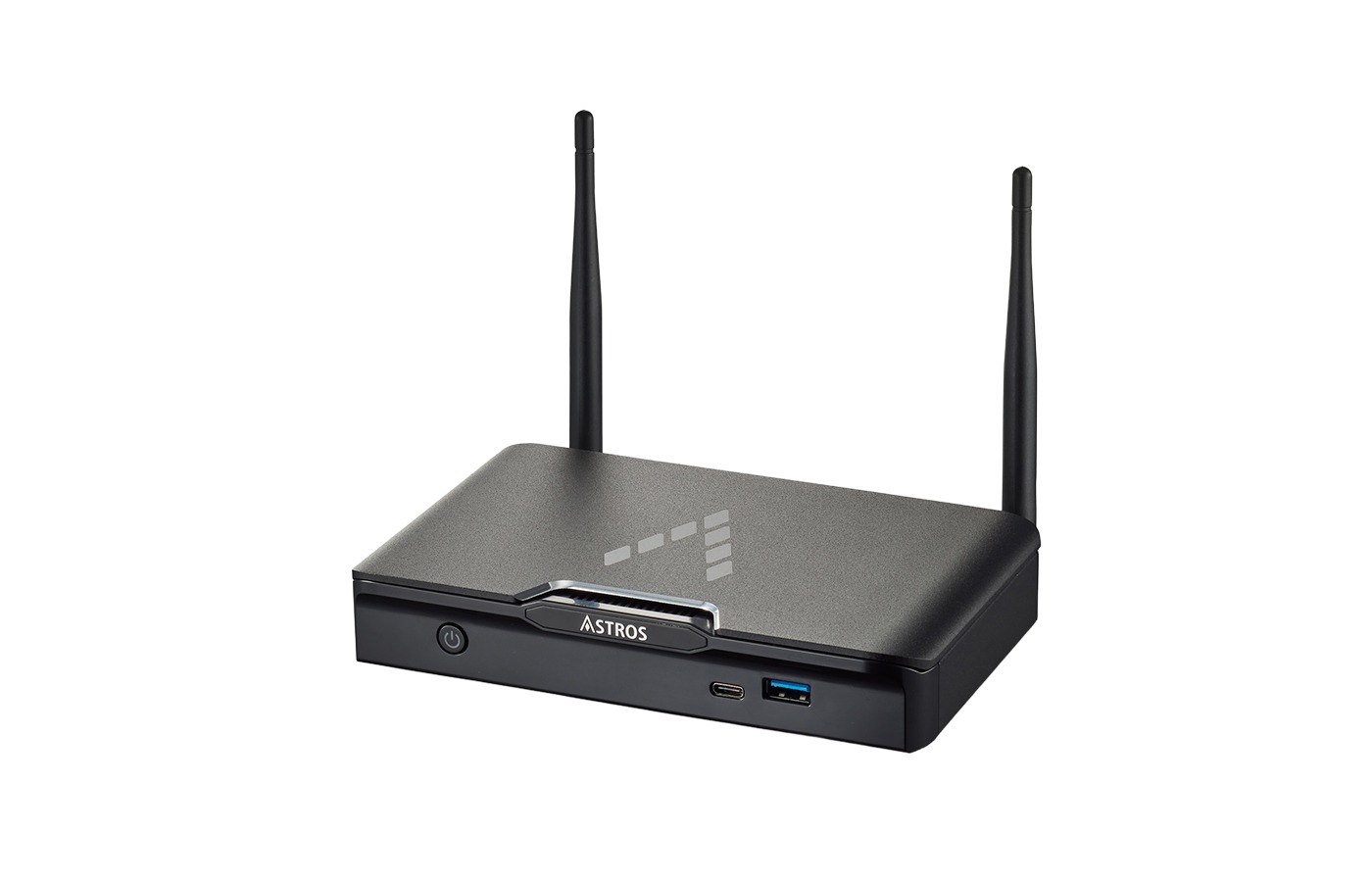
AS-101
8-connection wireless presentation station for smaller rooms.
Features
• Up to 8 simultaneous device connections
• Split screen for up to 2 sources at once
•One-to-many sharing (1-to-4)
• Window sharing, so a single app can be shared instead of the full desktop
• Touch Back control from the room display to the connected device
• On-screen moderation
• OTA software updates and centralized control via ASTROS Manager
How the Astros System Works Together
Where it Fits
FAQs
What is a wireless presentation system?
A wireless presentation system lets someone share a laptop or phone screen to a room display without an HDMI cable, using a small sender device or a native app instead of a physical connection.
How does the ASTROS Pod share a screen without cables?
The ASTROS Pod plugs into a laptop’s USB-C port and sends the screen to a paired ASTROS Station on the room display, with no software, driver, or Wi-Fi setup needed before presenting.
What is the difference between the AS-101 and AS-201 wireless presentation stations?
The AS-201 supports 20 simultaneous connections, a 4-way split screen, remote view, annotation tools, and PoE. The AS-101 supports 8 connections and a 2-way split screen, without those extra features.
Does the EIS wireless presentation system work with Windows and Mac?
Yes. The ASTROS Pod and Station support Windows 10 and above and macOS 10.14 and above, along with iOS, Android, and Chrome OS through the ASTROS App or native sharing protocols.
Does the AS-201 station support Power over Ethernet?
Yes. The AS-201 supports PoE over its 10/100/1000 Mbps RJ-45 Ethernet port, alongside HDMI and VGA video output and a 12V 2A power supply for most standard AV room installations.
What sharing protocols does the EIS wireless presentation system support?
The ASTROS line supports BeamOp, AirPlay, Google Cast, and browser-based sharing, alongside the dedicated ASTROS App, so a room can accept many device types without standardizing on one required native protocol.
Is there a subscription fee for the ASTROS wireless presentation system?
No. EIS TechInfra’s ASTROS wireless presentation systems carry no subscription fee of any kind. The BYOD and BYOM setup works with a room’s existing equipment once the Station and Pod are installed.
Stay Tuned With Us
Get Information & Lets Get In Touch With Our Team
We’re eager to assist you! Whether it’s about services, projects, or collaboration, our team is available and ready to help.
Customer Support